HOW TO SET YOUR PHONE TO UNLOCK AUTOMATICALLY WHEN YOU ARE AT HOME
gurustechs
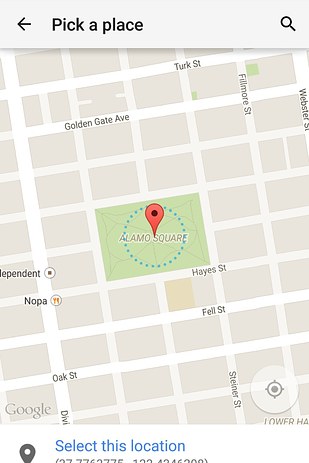
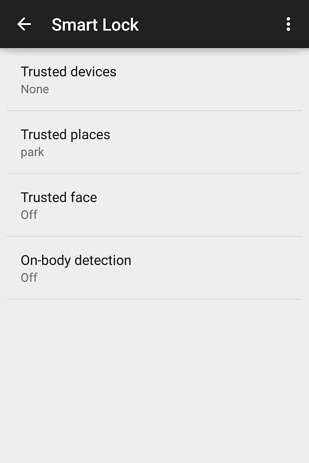
“Smart unlock” is a new feature in Android 5.0 Lollipop. It removes your phone’s PIN or password in certain locations you trust, like home or work.
al you need to do is :Go to Settings >Security > Smart Lock > Trusted places and add to trusted places.
If your device is running Android 4.4 KitKat, there is a smart workaround for this. Enable installation from third-party apps by going to Settings > Security > selectingUnknown sources. Then follow these instructions.


Comments
Post a Comment